How the Shortcode Handler Works
The [map10 id="123"] shortcode is the only way to render a map on a WordPress page. The handler in includes/shortcodes.php does three things: it queries all published locations for the given map ID, it fetches all category terms with their meta, and it encodes everything into a JSON payload injected into the page as window.map10Data[mapId]. The frontend JavaScript reads this data object and initializes the map.
function map10_shortcode( $atts ) {
  $atts   = shortcode_atts( ['id' => 0], $atts );
  $map_id = (int) $atts['id'];
  if ( ! $map_id ) return '<p>No map ID specified.</p>';

  if ( ! defined( 'MAP10_SHORTCODE_USED' ) ) define( 'MAP10_SHORTCODE_USED', true );

  $payload = map10_build_map_payload( $map_id );
  $json    = wp_json_encode( $payload );

  ob_start(); ?>
  <div class="map10-wrapper" data-map-id="<?php echo $map_id; ?>">
    <!-- filter buttons, dropdown, map container, info box -->
  </div>
  <script>
    window.map10Data = window.map10Data || {};
    window.map10Data[<?php echo $map_id; ?>] = <?php echo $json; ?>;
  </script>
  <?php return ob_get_clean();
}
add_shortcode( 'map10', 'map10_shortcode' );
The Iframe Embed Endpoint
For embedding the map on external sites, the plugin registers a query var map10_embed. When this var is present in a request, WordPress boots normally but the plugin intercepts the template_redirect hook and outputs a standalone HTML page — just the map, no WordPress theme wrapper. This page includes the same shortcode payload but with all assets inlined, so it works inside an <iframe src="..."> on any domain.
The embed page uses exit after outputting the HTML to prevent WordPress from appending the normal page template around it. The map10_vars object is defined inline in the embed page because the wp_localize_script call from the main plugin file does not run in this context — only the raw script tag is output.
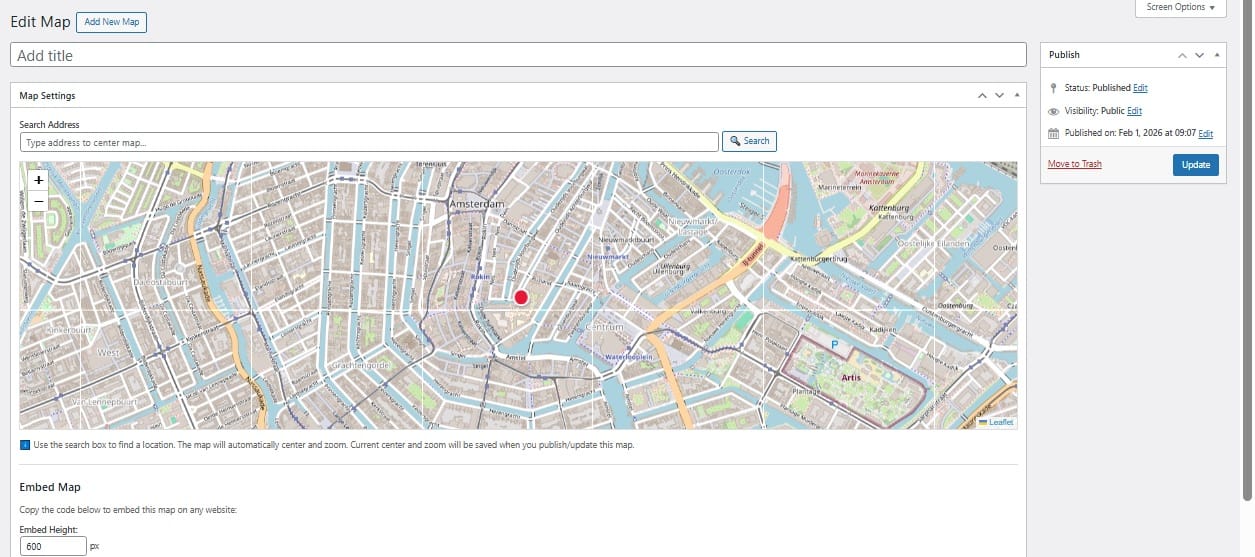
The Map Settings metabox generates the embed code automatically once a map is published. It provides a textarea with the iframe HTML pre-filled, plus an input to adjust the height. The copy button uses document.execCommand('copy') as a fallback-safe clipboard method that works across all browsers without requiring navigator.clipboard permissions:
function map10_generate_embed_code( $map_id, $height = 600 ) {
  $embed_url   = home_url( '/?map10_embed=' . $map_id . '&height=' . $height );
  $iframe_code = '<iframe src="' . esc_url( $embed_url ) . '" width="100%" height="' . (int) $height . '" style="border:none;" allowfullscreen></iframe>';
  return $iframe_code;
}
This article is part of our complete guide:
How to Build an Interactive Map Plugin for WordPress from Scratch
Read the full guide →